
Affiliate Registration
IFAC has a new web portal offering new services for IFAC Affiliates.
The Portal is at the following address: affiliates.ifac-control.org
In case you connect for the first time to the portal, please follow the following steps:
- Go to affiliates.ifac-control.org
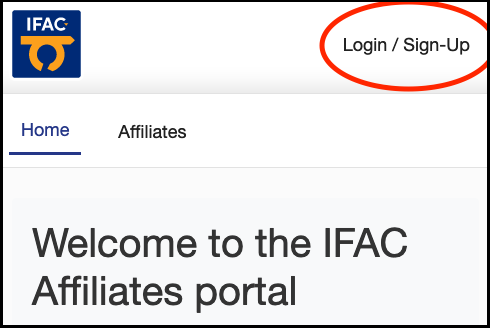
- Press the “Login / Sign-Up” button at the top right corner
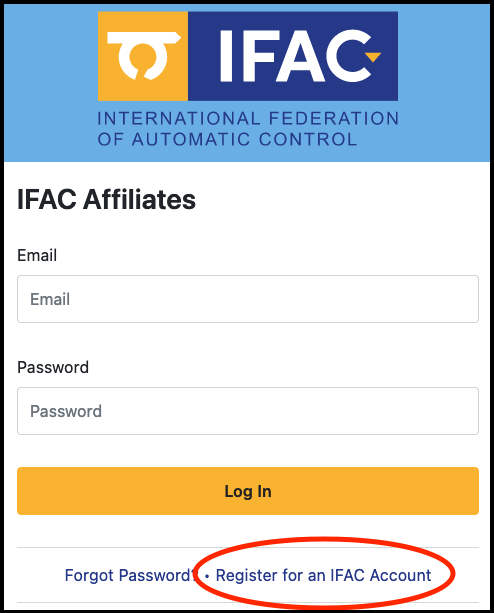
Press “Register for an IFAC Account“
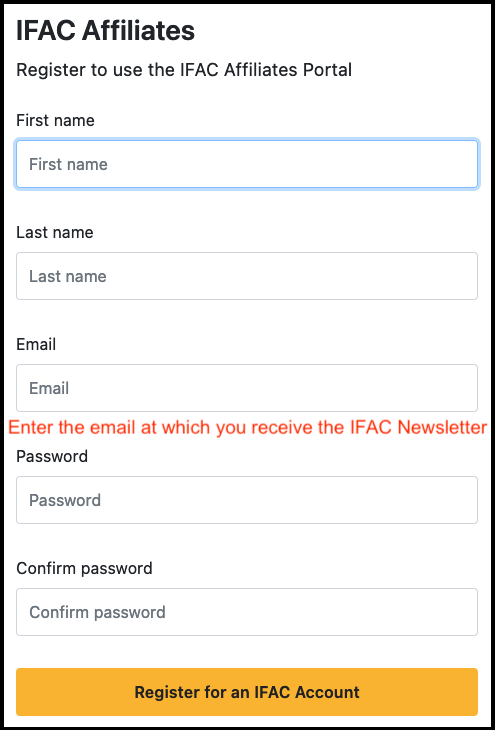
- Enter your first name, last name, email and a password
- IMPORTANT: In case you are already an IFAC Affiliate please enter the email address at which you receive the IFAC Newsletter. The system make automatically the link to your existing IFAC data.
- You will receive an email with a link that will activate and access your account in the Portal.
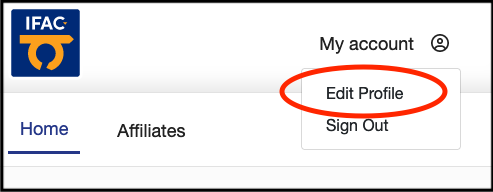
- Go to “My Account->Edit Profile” (top right corner) and please review your personal information.
Use the “Update fields of interest” button to specify your keywords and add any new information you wish to share with IFAC
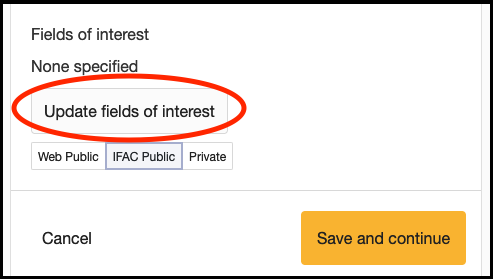
Note that your profile needs a manual validation by the secretariat. This can take a couple of days but is usually faster.
IMPORTANT: for each data item you have three sharing options:
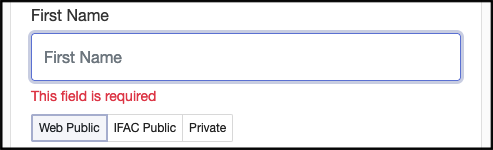
Web public: the information is available to anyone who visits the portal, even non IFAC-Affiliated visitors. It can be useful to show you belong to the IFAC community and to show your expertise outside of the Control Engineering sphere.
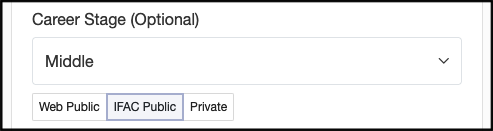
IFAC restricted/public: The information is available to IFAC Affiliates only (once they are logged in to the portal). It can be useful to connect with colleagues in your field/s of interest, to be contacted to join Technical Committees, or other IFAC Activities.

Private: The information shall not be disclosed to anyone and only used by the IFAC Secretariat for internal IFAC purpose. This can be useful for personal reasons, information that you wish to keep for a time secret and reveal afterwards, etc.
For example if
– your name is Web public,
– your fields of interest are IFAC public
– and your phone number is private
this means that
– anyone is able to know that you belong to the IFAC family
– only IFAC affiliates can know the topics your are interested in
– only the Secretariat can contact you by phone.
Your name will not appear in the list of IFAC affiliates as long as it is set to ‘Private’ which is the by default option. As soon as many of you make their profile visible you will be able to search for colleagues. Filters are pre-defined to help you to find specialists based on the data they provided.
The top banner saying
“Some information that may be useful for the IFAC Secretariat is missing”
shall disappear once you have entered data in all three folders
- General details – all non-optional fields are requested
- Contact details – at least one phone number would be useful for the secretariat (can be kept ‘Private’)
- Addresses – At least one address (press the ‘Add Address’ button) would be useful for the Secretariat (can be kept ‘Private’)
Continue to the IFAC Affiliates website.
